




Always one
tap away.
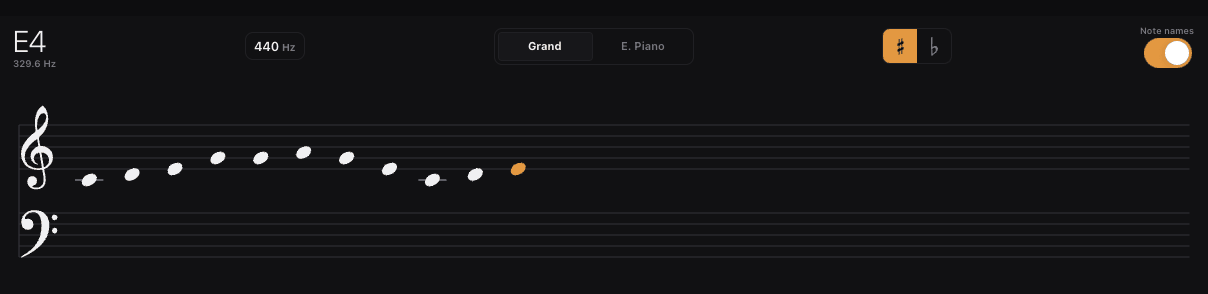
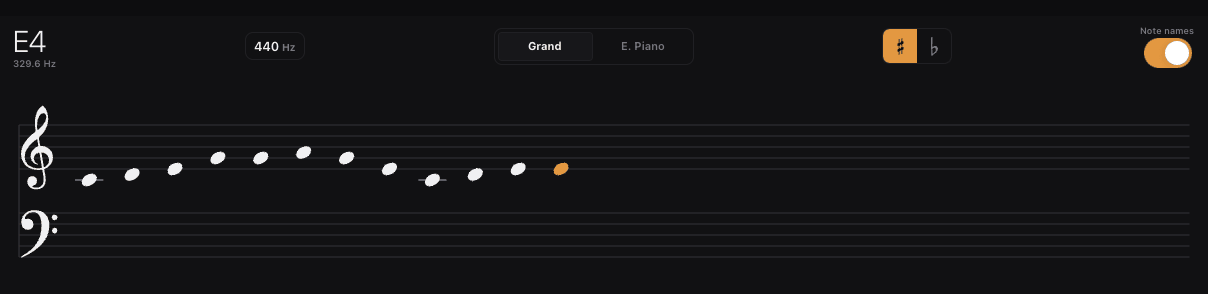
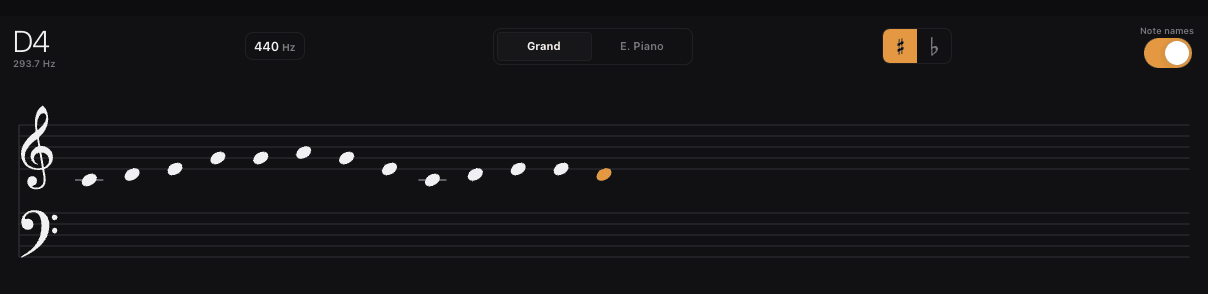
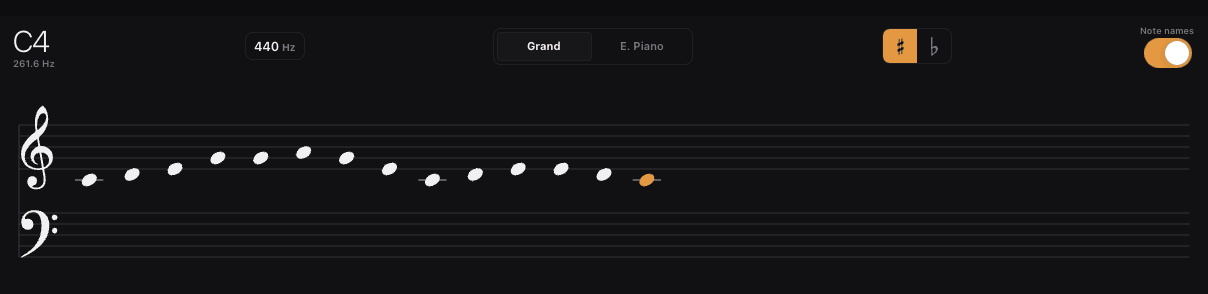
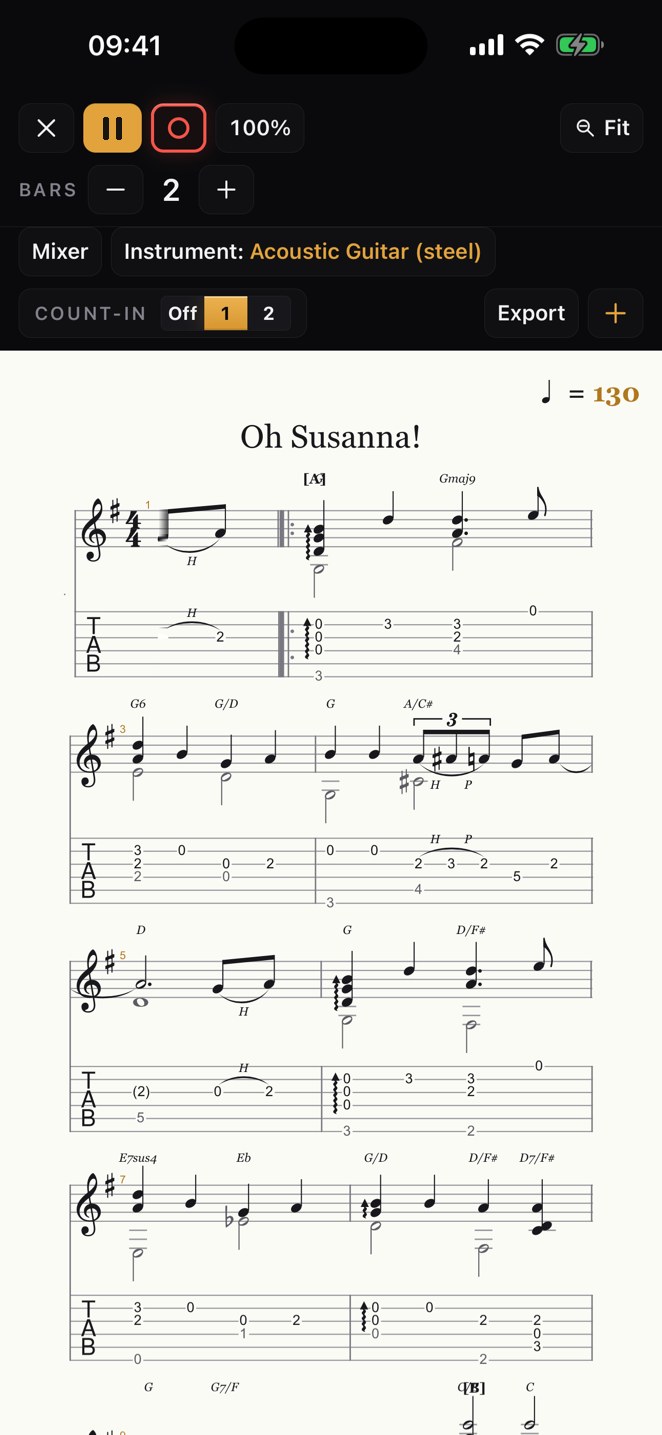
The tuner lives in the header of every screen — no app-switching, no hunting through menus. Tune up in seconds, then get back to the thing that matters.
- LED strip + strobe display
- Sub-cent precision
- On call from every screen
Never
off the click.
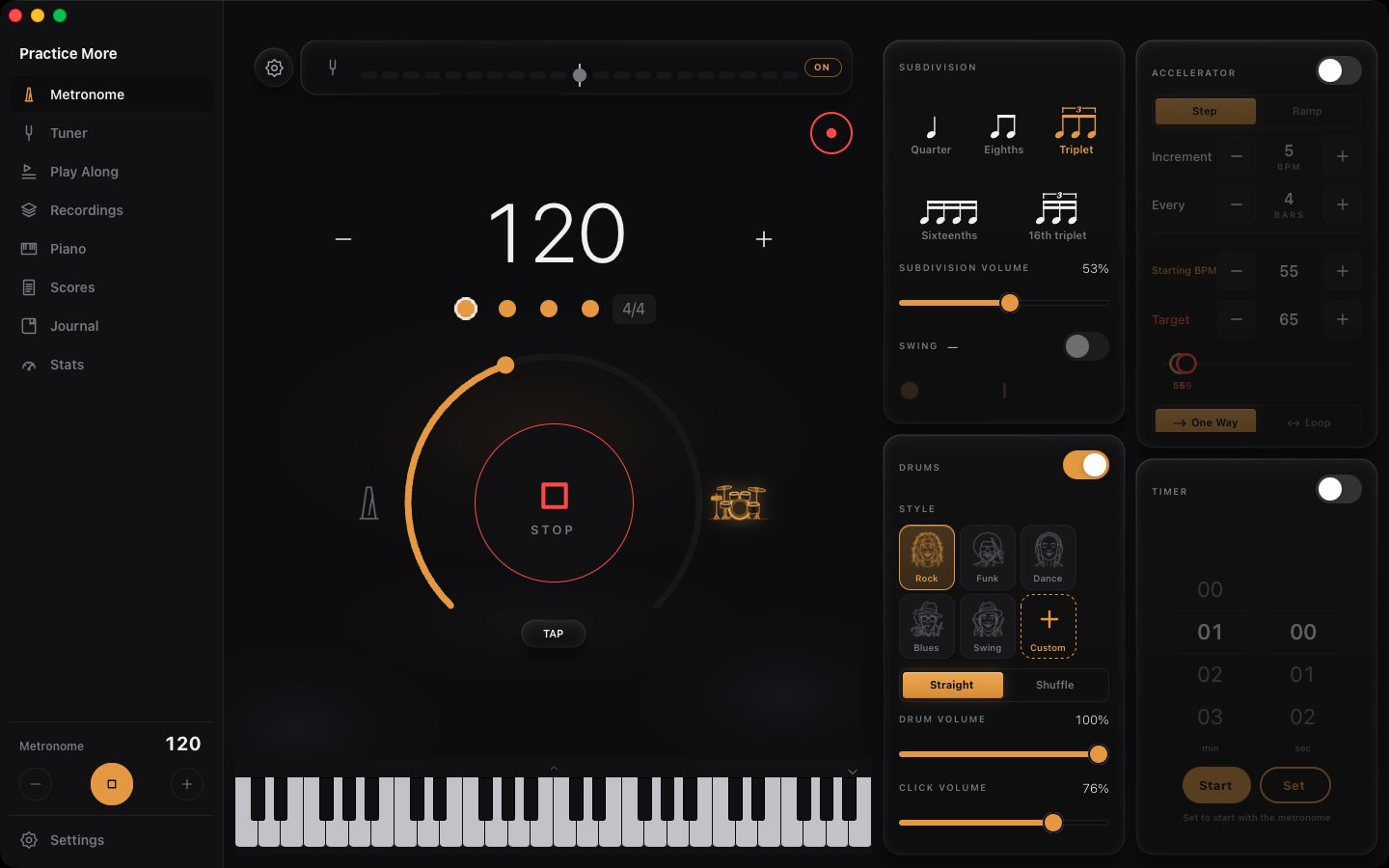
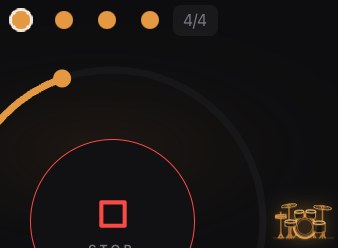
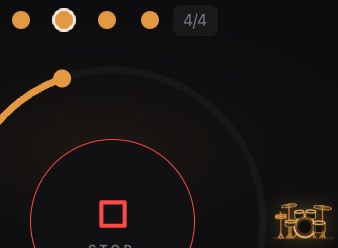
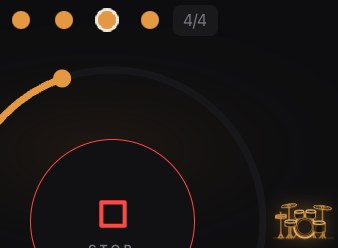
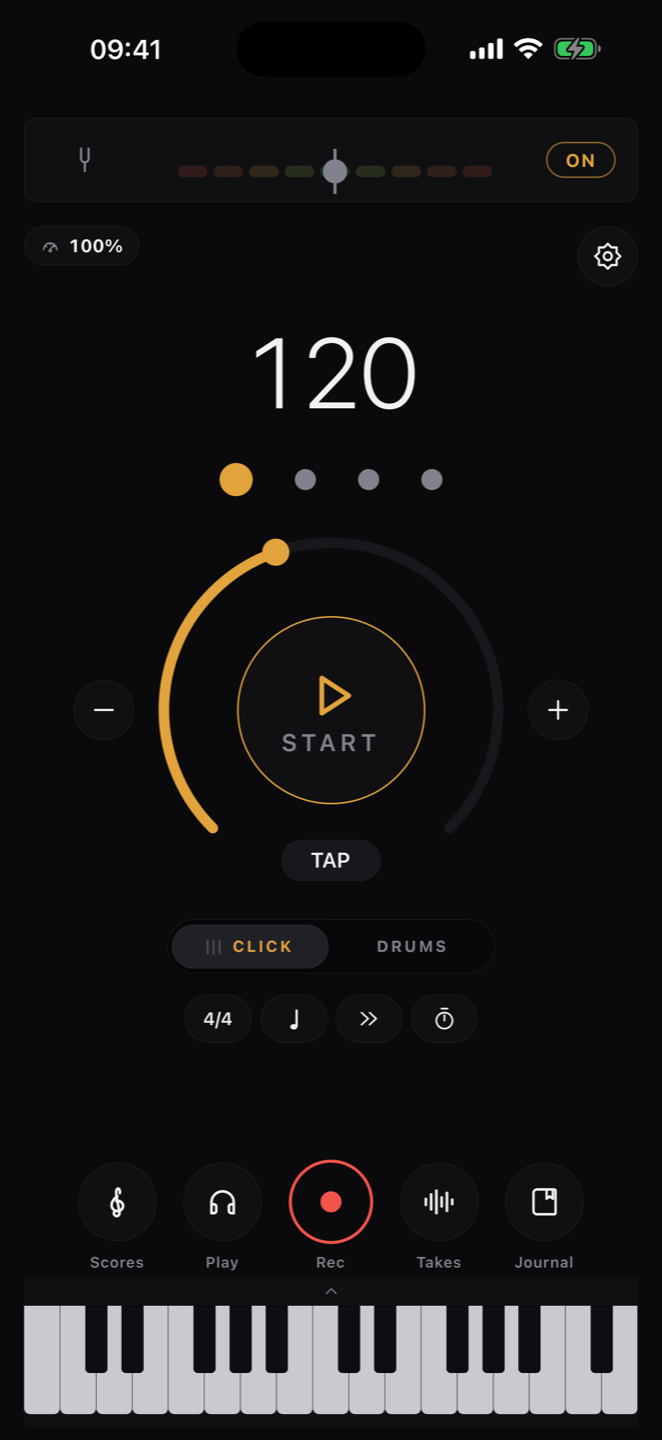
A sample-accurate engine underneath everything: real click and drum samples — or your own — any time signature, subdivisions and accents, a count-in, and tap tempo for when you'd rather feel it than dial it.
- Sample-accurate click engine
- Any time signature, any subdivision
- Load your own sound as the click
- Tap tempo, accelerator, timer, decimal BPM
Any song,
stripped to the stem.
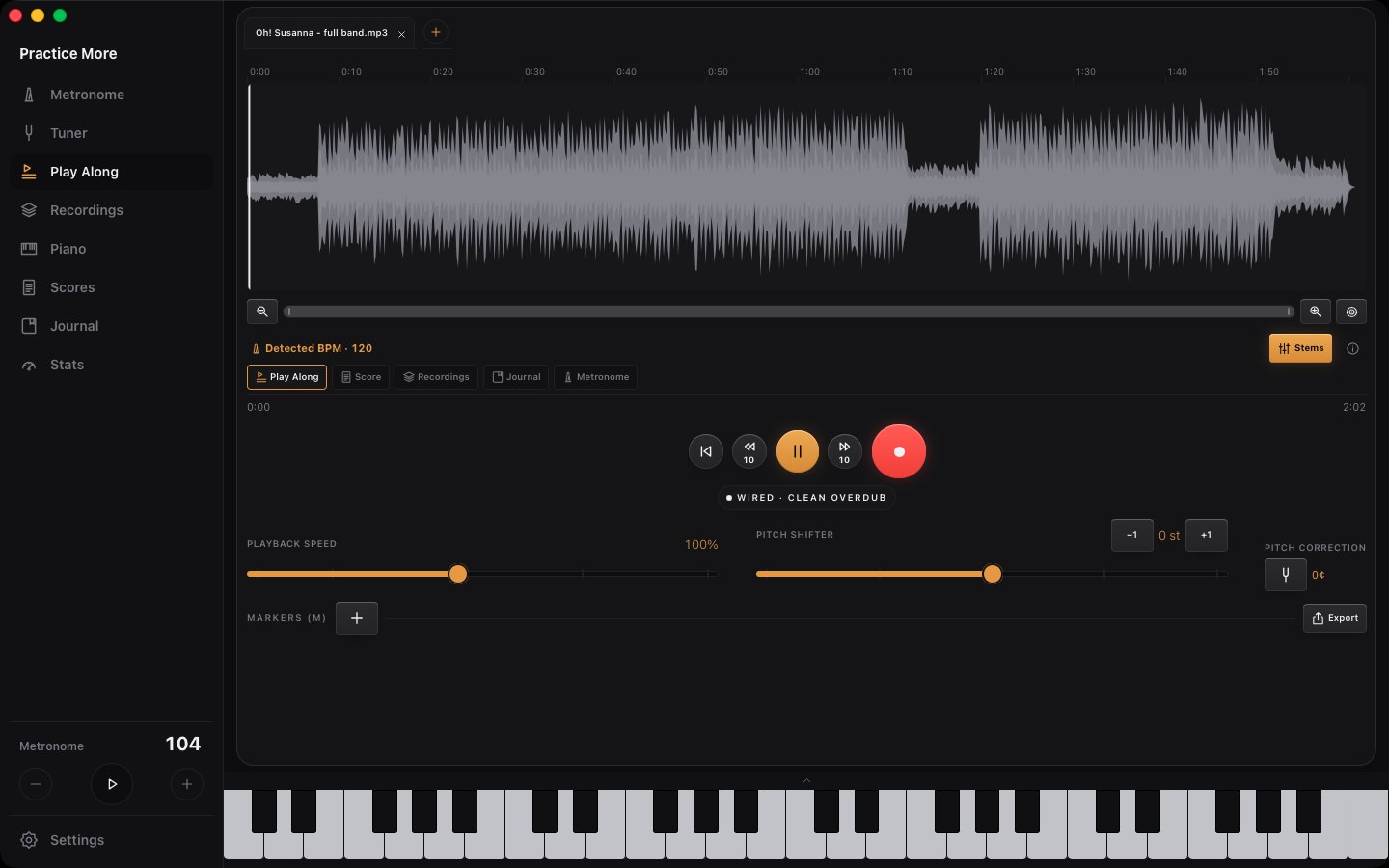
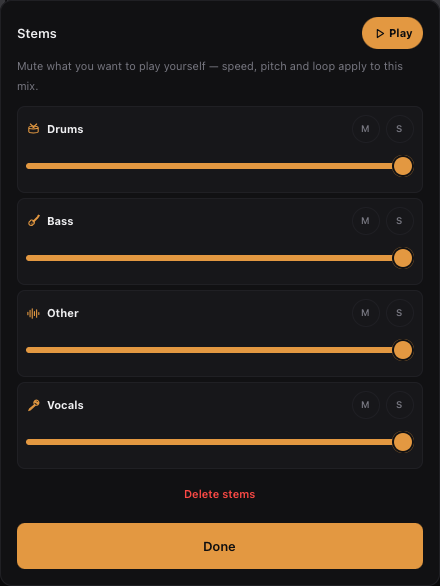
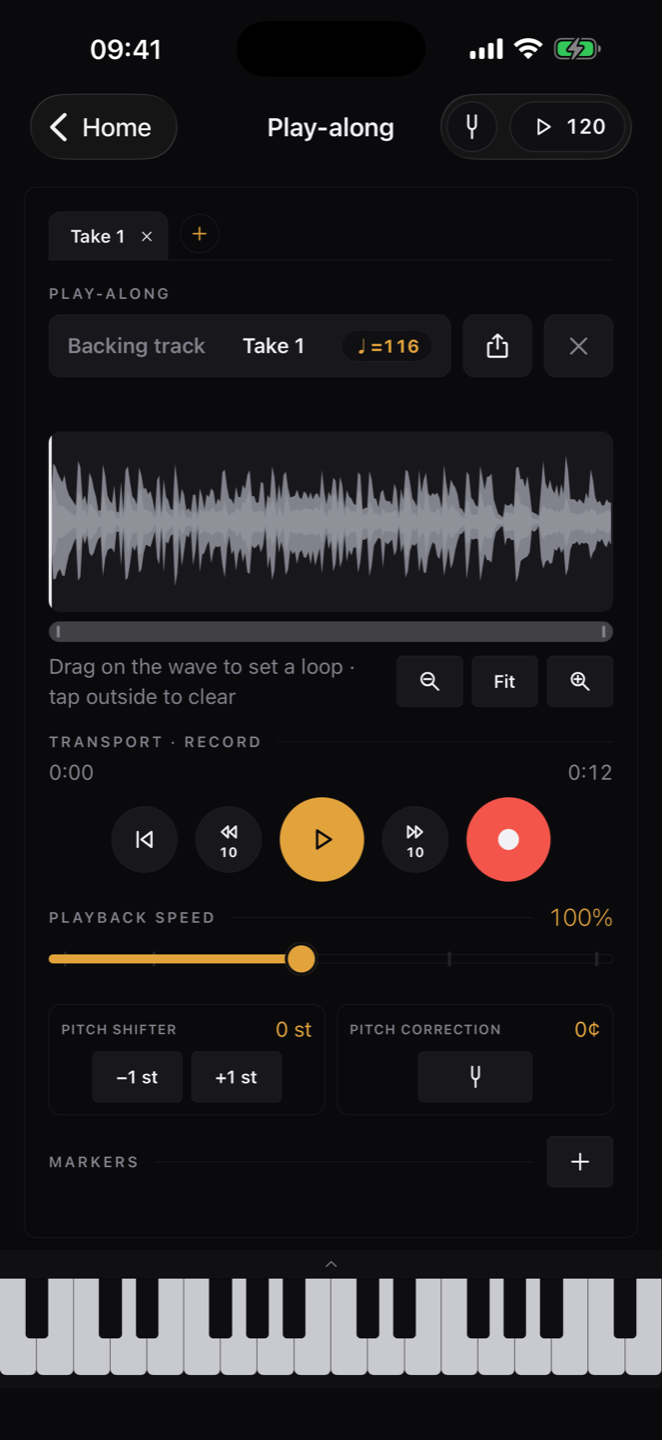
Drop in any song and split it into separate stems — guitar, bass, drums, vocals. Mute the part you're practicing and play along with the rest. Slow anything down without losing pitch, shift the key, loop a phrase right on the waveform — then record your own take on top, straight to the click.
- Split any song into stems — guitar, bass, drums, vocals, more
- Slow down or shift pitch, loop any phrase on the waveform
- Record your own take, straight to the click
Scores that
play back.
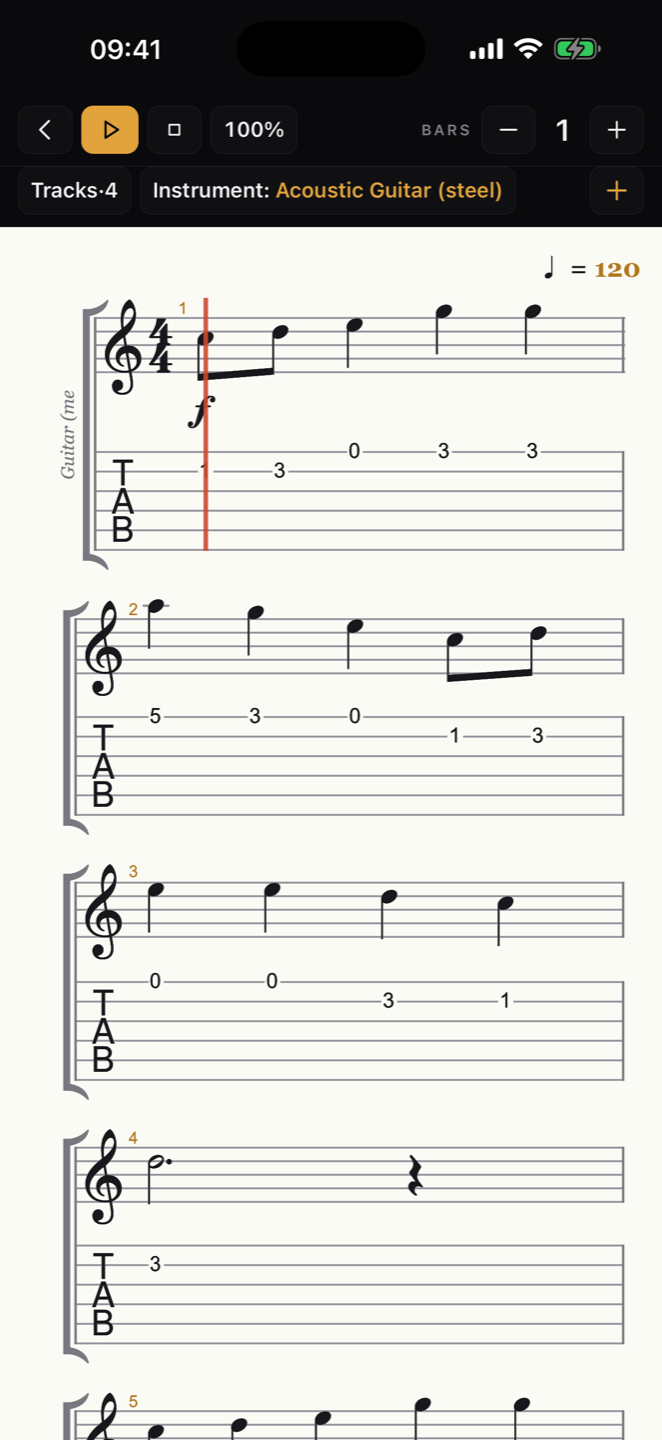
Open Guitar Pro files, MusicXML exports and iReal charts — whole playlists too. Tap a bar to jump there, drag across the staff to loop it, mix every track, and play along at your tempo while the score follows you. Hit the red ring and every pass is a take, stacked over the band and balanced in the same mixer — then export the lot as a .pdf of the page or an .mp3 of what you actually hear, your takes mixed over the band.
- Guitar Pro, MusicXML & iReal formats
- Tap to seek, drag to loop
- Per-track mixer and speed control
- Record take after take straight onto the score
- Export the sheet as .pdf or the performance — takes included — as .mp3
A drummer,
not a beep.
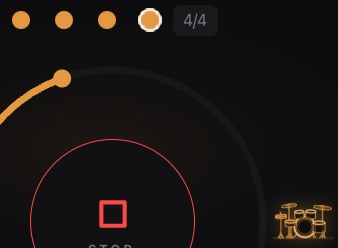
Five real grooves — Rock, Funk, Dance, Blues, Swing — straight or shuffled, played on a kit that lights up hit by hit. When the click has a pocket, you practice deeper and longer.
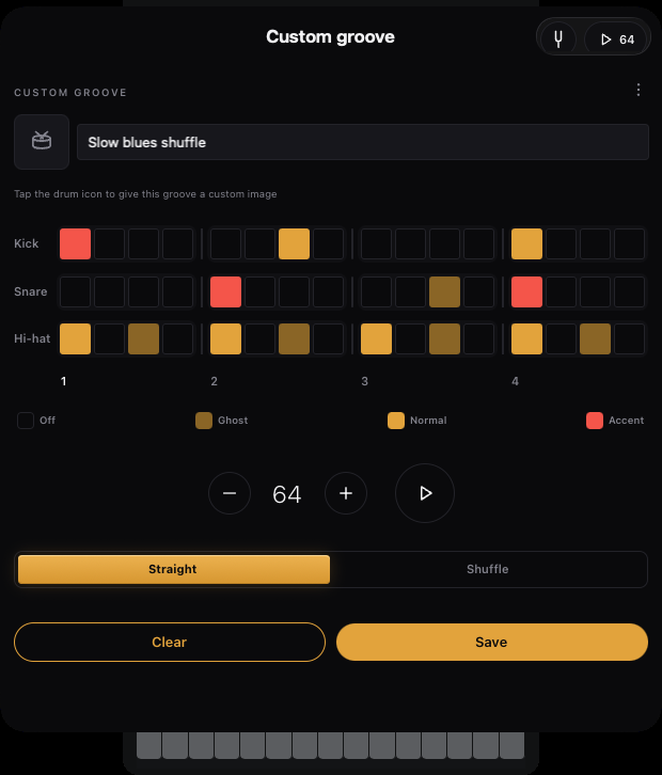
And when the five aren't the one you need, write your own loop: the groove editor is a grid — kick, snare, hats, toms, cymbals down the side, the bar across the top — so you tap in the pattern the song actually has, name it, and it joins the styles like any other.
- Real drum kits behind the click
- Straight ↔ shuffle, dialable feel
- Build your own loops on a grid, in any time signature
- Your patterns sit beside the presets, ready on every screen
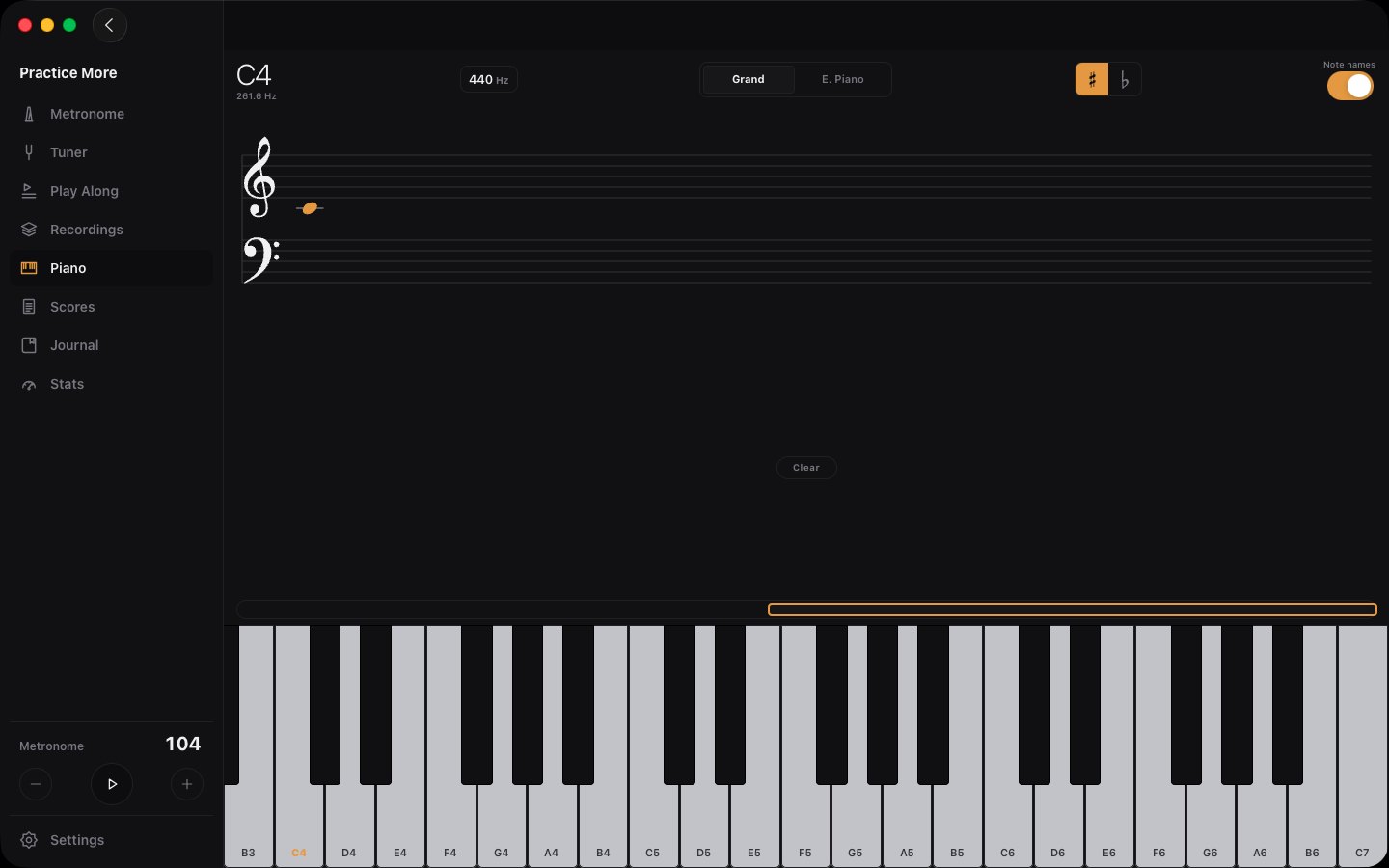
A keyboard,
built in.
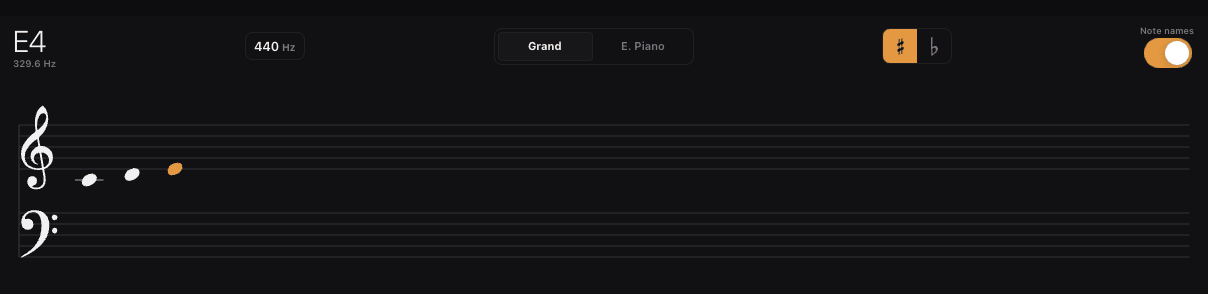
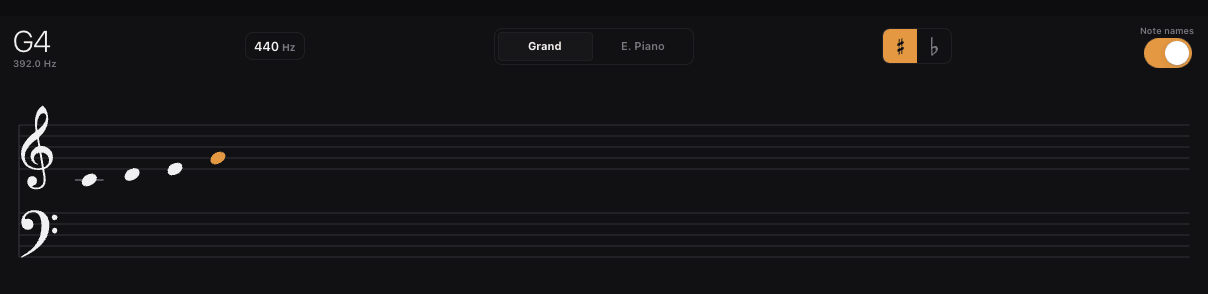
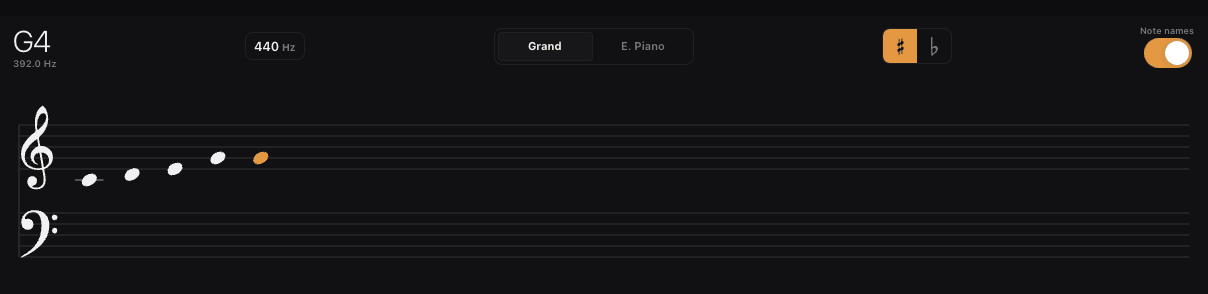
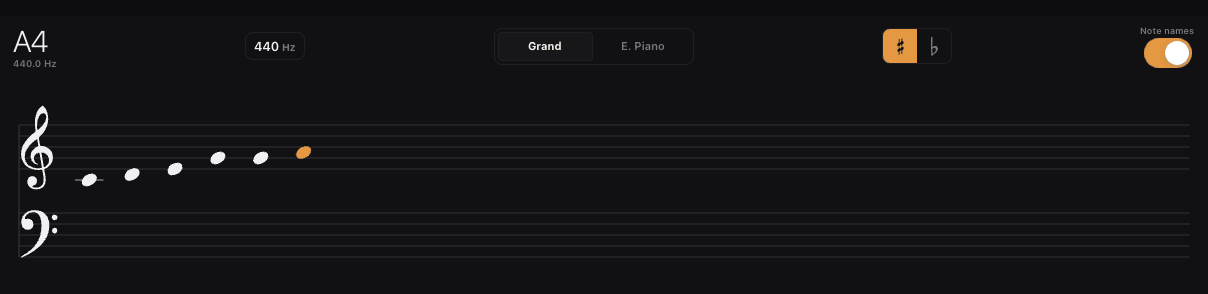
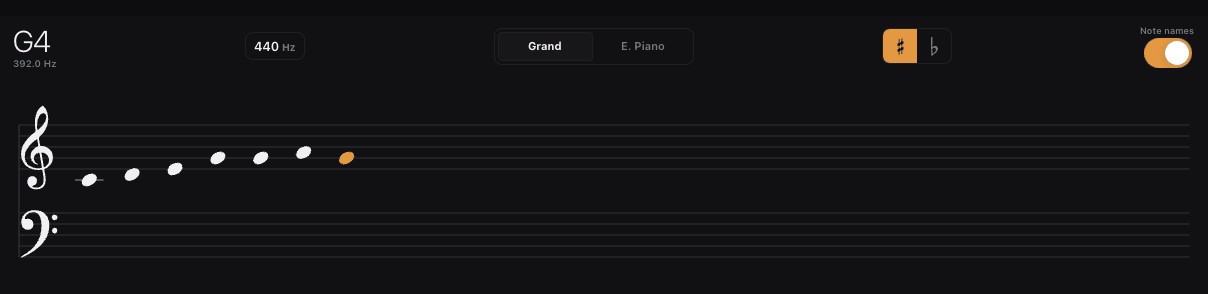
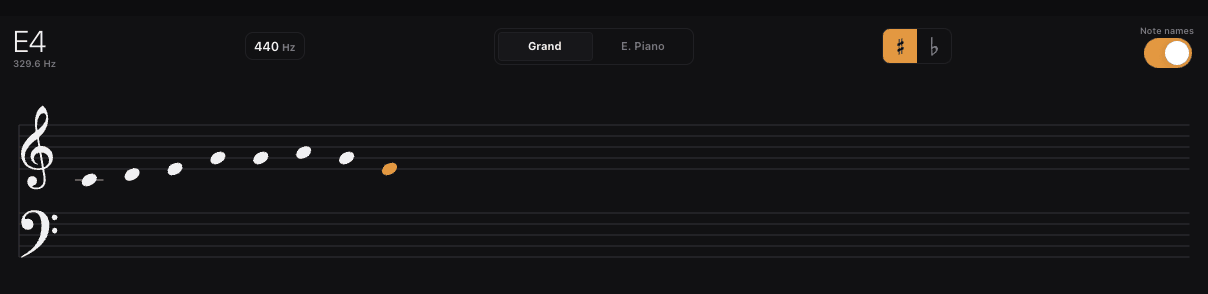
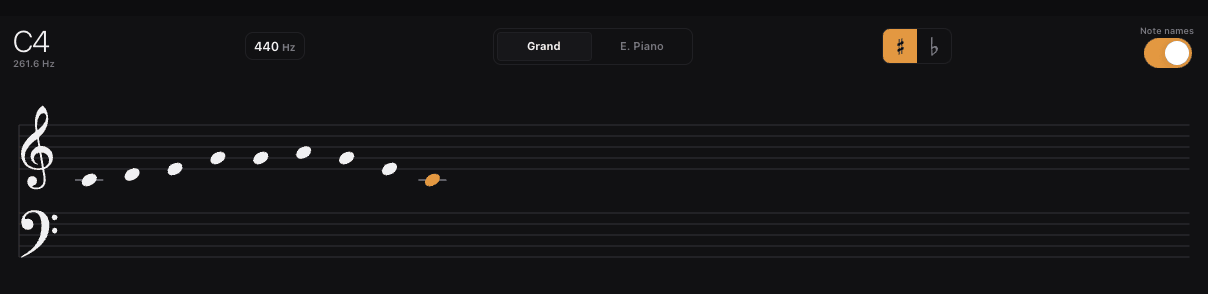
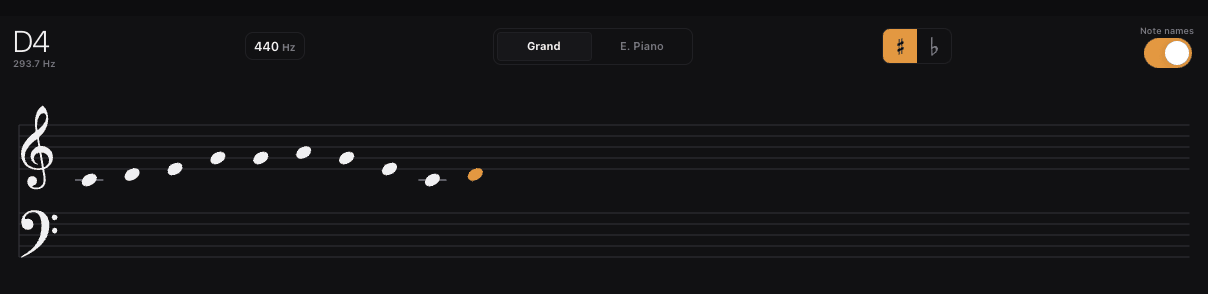
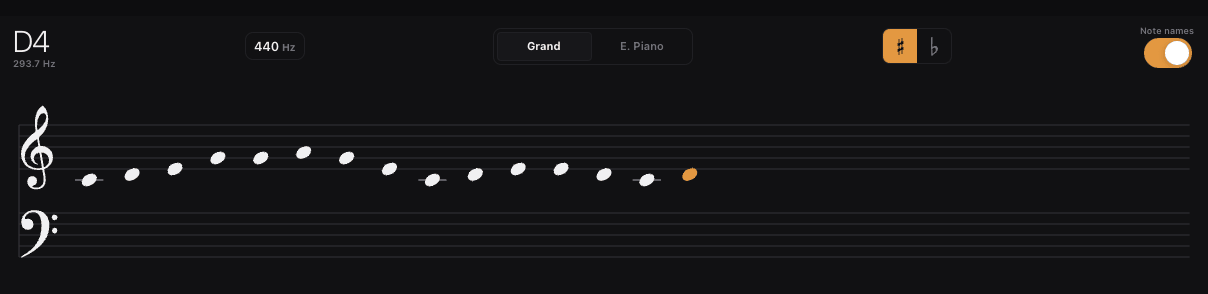
A keyboard is always one tap away — docked at the bottom of the app, or full-size with note names and staff notation. Plug in a MIDI keyboard and it lights up right on screen. Play a chord chart and the piano comps it for you.
- Six-octave polyphonic keyboard, always on screen
- Hardware MIDI keyboards light up and play
- Auto-comps iReal chord charts
92 today.
100 by Friday.
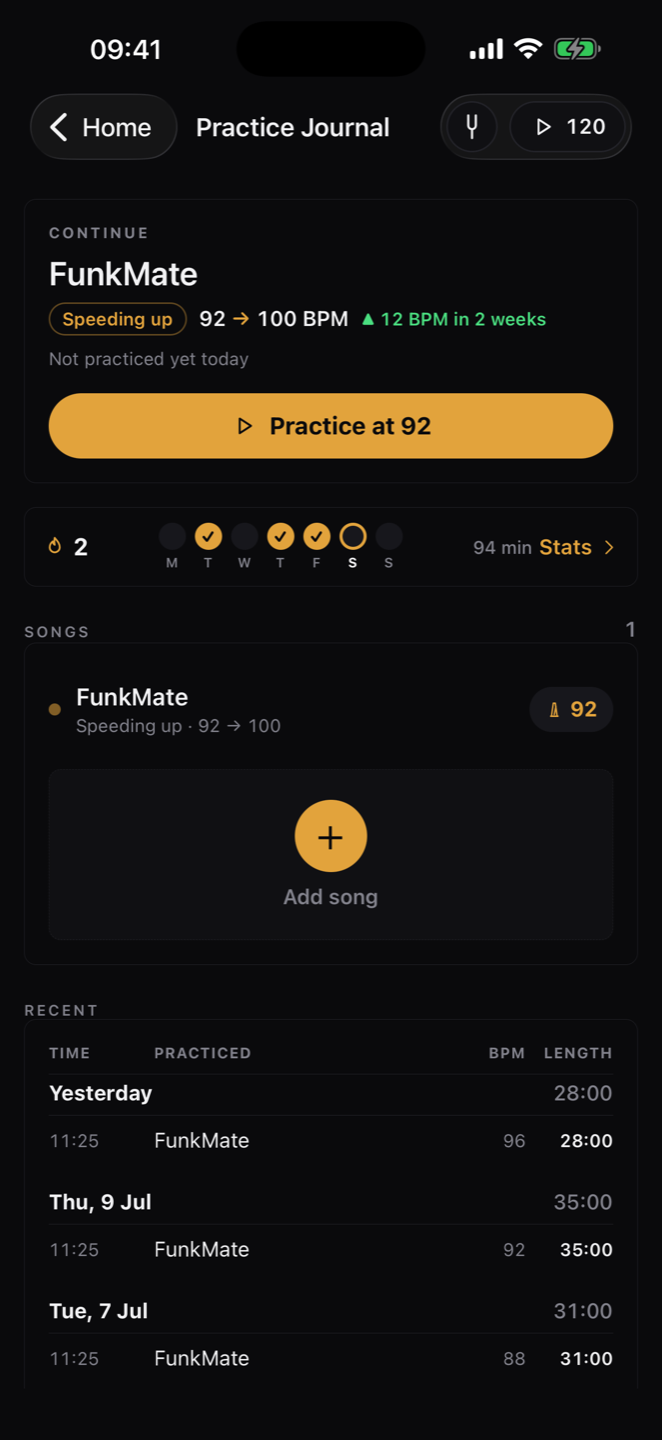
Every session logs itself: song, tempo, minutes, streak. The Journal opens on one page — your stats, your session plans, and every song with a ring that fills as its tempo climbs toward the target. Open a song for its sections, its BPM trend and a diary you can write one line into.
- One overview: stats, plans, songs, past sessions
- BPM goals with visible progress, section by section
- Weekly goal ring, month heat-map, per-song trend
- Streaks and stats that keep you honest
Your hour,
written down first.
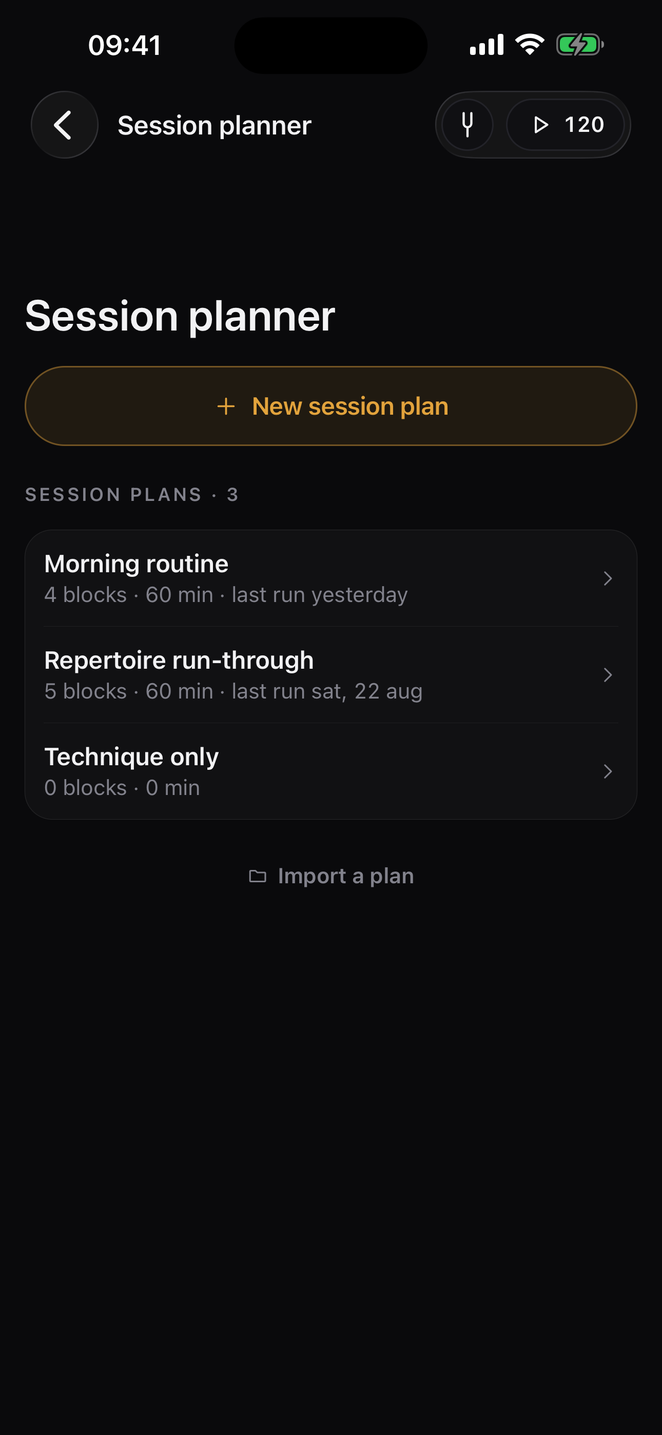
Decide the hour before you spend it. Build a plan out of blocks — warm up, a song, a section of a song, technique, sight reading, anything you name yourself — and give each one its minutes. Start it and an amber banner counts the block down at the top of every screen while you use the whole app normally. Nothing advances by itself: when the time is up you finish the phrase you are on, then tap Next.
- Blocks with a type, a name, minutes and a note
- A running banner instead of a screen of its own
- Minutes land in the journal by themselves
- Export a plan, import one — teachers and students trade them
Own it.
Don't rent it.
14 days free, every feature unlocked. No card, no account.
Tuner and metronome stay free forever.